














HDMI ARC vs Optical: Which Cable is Better for Sonos in 2026?

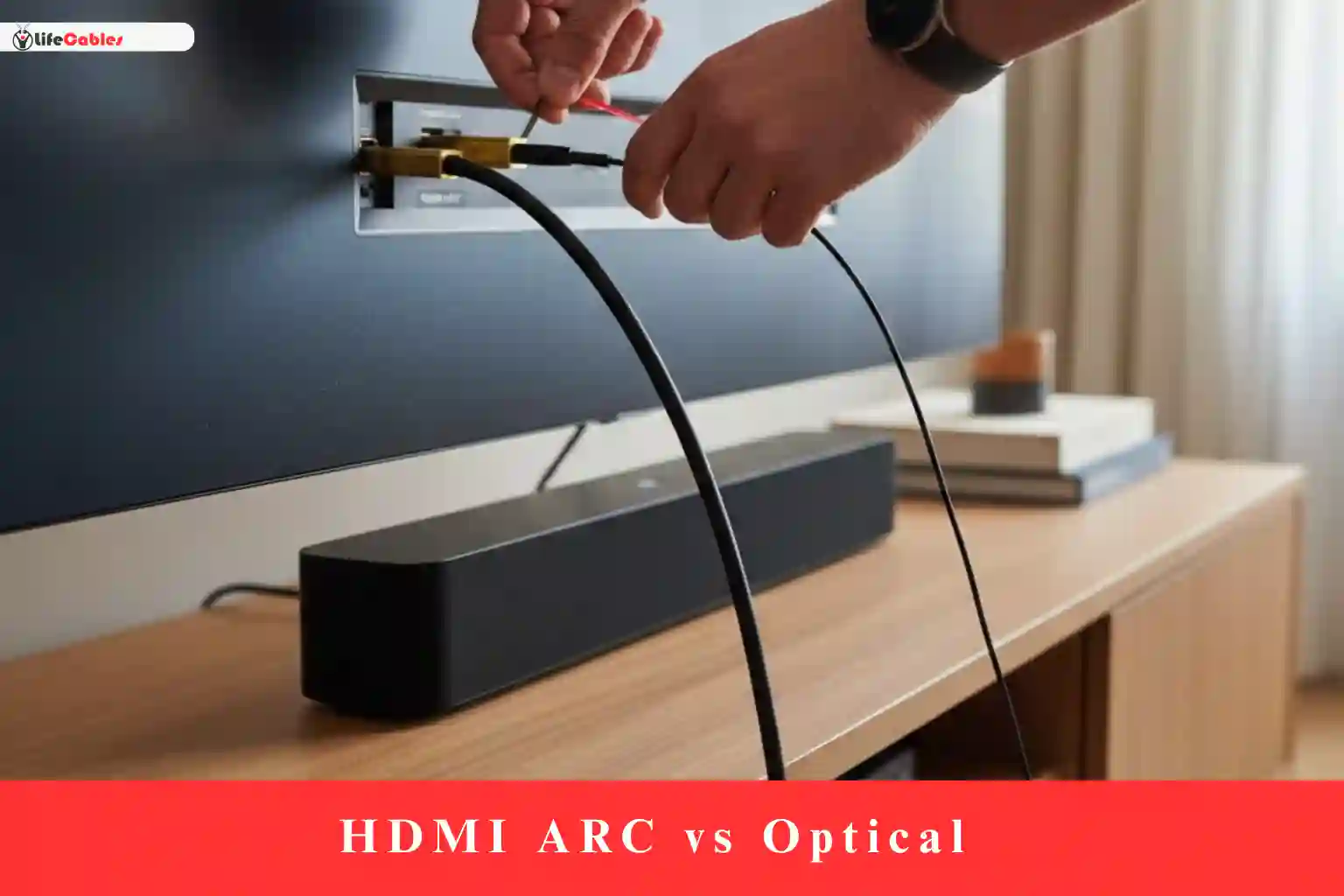
Choosing the right connection for your Sonos setup in 2026 isn’t just about “plugging it in.” It’s about whether you’re hearing the full, immersive potential of your investment or if you’re accidentally bottlenecking your audio.
As a long-time Sonos enthusiast who has lived through the transition from the old Playbar (optical only) to the latest Sonos Arc Ultra, I’ve seen firsthand how confusing these cables can be. In this guide, I’ll break down the HDMI ARC vs. Optical debate with zero fluff, focusing on what actually matters for your ears and your living room setup this year.
HDMI ARC vs Optical: The Quick Verdict for 2026

If you’re looking for the short answer: HDMI ARC (or eARC) is the winner in 95% of cases. In 2026, standard optical cables have effectively become “legacy” technology. While they are reliable, they simply don’t have the “pipe size” (bandwidth) to carry the high-definition, spatial audio formats that Sonos soundbars are built for.
Comparison at a Glance
| Feature | HDMI ARC / eARC | Optical (TOSLINK) |
| Max Audio Quality | Lossless (Dolby TrueHD / Atmos) | Compressed (5.1 Dolby Digital) |
| Dolby Atmos | Yes | No |
| CEC (Single Remote) | Yes | No |
| Bandwidth | High (up to 37 Mbps on eARC) | Low (approx. 384 Kbps) |
| Best For | Sonos Arc, Beam Gen 2, Arc Ultra | Sonos Ray, Older TVs |
Why HDMI ARC is the Standard for Sonos
When Sonos released the Beam and later the Arc, they made a definitive pivot toward HDMI. Here is why your Sonos soundbar craves that HDMI connection.
1. The Magic of Dolby Atmos
If you own a Sonos Arc, Arc Ultra, or Beam (Gen 2), you bought it for the “bubble of sound.” Dolby Atmos uses height channels to make it feel like a helicopter is flying over your couch.
- HDMI ARC/eARC can carry the metadata required for Atmos.
- Optical cannot. If you connect an Arc via optical (using the adapter), you are capped at 5.1 surround sound. You’ve essentially turned your premium $900 soundbar into a standard speaker.
2. HDMI CEC: One Remote to Rule Them All
One of the most human-centric benefits of HDMI is CEC (Consumer Electronics Control). When you connect via HDMI ARC, your TV and Sonos soundbar talk to each other. When you turn on your TV, the soundbar wakes up. When you use your Samsung or Sony remote to turn up the volume, it controls the Sonos.
With Optical, you often have to “teach” the soundbar your remote’s IR codes, and it doesn’t always sync perfectly.
When Should You Actually Use Optical?
Despite HDMI being superior, the optical cable isn’t dead yet. In 2026, there are two specific scenarios where you’ll reach for that thin, glowing cable:
1. You Own a Sonos Ray
The Sonos Ray is specifically designed as a “problem solver” for older setups. It doesn’t even have an HDMI port—it is optical only. If you’re putting a soundbar in a bedroom with a 10-year-old TV, Optical is your best friend. It’s “plug and play” and perfectly handles the 5.1 audio the Ray is built for.
2. The “Legacy” TV Situation
Maybe you have a high-end plasma or an early LED TV that you refuse to give up, but it lacks an HDMI ARC port. Sonos usually includes an Optical to HDMI adapter in the box with the Arc and Beam. Use this if you have no other choice, but keep in mind you’ll be missing out on Atmos.
The 2026 Context: eARC is the New Floor
By now, most TVs sold in the last 3-4 years come with HDMI eARC (Enhanced Audio Return Channel).
While standard ARC was great, it still compressed audio slightly. eARC has massive bandwidth, allowing for uncompressed lossless audio. For the Sonos Arc Ultra, using eARC is mandatory if you want to experience the full fidelity of a 4K Blu-ray or high-end streaming service.
Pro Tip: Not all HDMI cables are created equal. In 2026, ensure you are using at least a “High Speed” (HDMI 2.0) or, ideally, an “Ultra High Speed” (HDMI 2.1) cable to ensure the eARC handshake doesn’t fail.
Human Experience: Does it actually sound different?

I get asked this a lot: “Can a regular person tell the difference?”
If you are watching the evening news or a sitcom, no. Both cables will sound clear.
However, if you put on a movie like Dune: Part Two or Top Gun: Maverick, the difference is staggering. HDMI eARC allows the Sonos Arc to utilize its upward-firing drivers. The soundstage feels wider, the bass feels better timed, and the “immersion” factor—that feeling of being inside the movie—is only possible through HDMI.
Final Decision: Which one for you?
Choose HDMI ARC/eARC if:
- You own a Sonos Arc, Arc Ultra, or Beam (Gen 2).
- You want Dolby Atmos.
- You want to use your TV remote for volume.
- You have a TV made after 2019.
Choose Optical if:
- You own a Sonos Ray.
- Your TV is a “vintage” model (pre-2015) without ARC ports.
- You are experiencing weird “handshake” sync issues with HDMI (rare, but it happens).
Expert Setup Tip for WordPress Users
When you set this up on your TV, don’t forget to go into your TV Sound Settings. Often, TVs default to “Auto” or “PCM.” To get the best out of your Sonos via HDMI, make sure your Digital Output is set to “Pass Through” or “Bitstream.” This lets the Sonos do the heavy lifting of decoding the audio, rather than your TV’s cheap internal processor.