



Best 20ft HDMI 2.1 Cables for 4K 120Hz (No Signal Loss 2026)

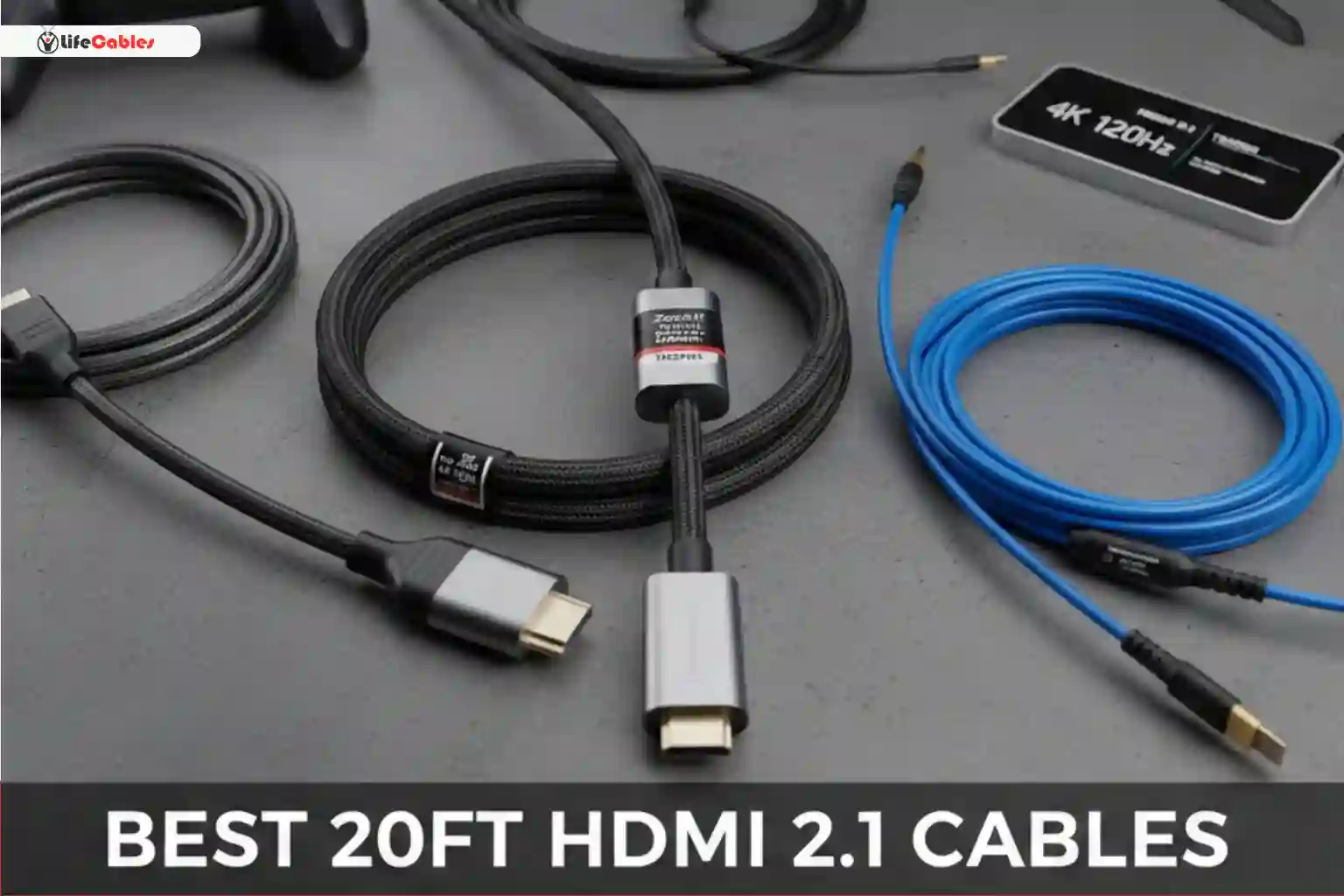
Finding the “sweet spot” for HDMI cables is a classic home theater headache. When you’re looking for best 20ft HDMI 2.1 cables, you’re actually pushing the limits of Physics. Most standard (passive) copper cables start to drop data packets after just 10 feet, leading to the dreaded “black screen of death” or sparkling artifacts when you try to run 4K at 120Hz.
As a tech enthusiast who has spent way too many hours behind an AV rack, I’ve tested the cables that actually hold up under the 48Gbps pressure. Here is the definitive guide to the best 20ft HDMI 2.1 cables that deliver a flawless 4K/120Hz signal without loss.
Why 20 Feet is the “Danger Zone” for HDMI 2.1
Before we get into the picks, we need to address the elephant in the room: Attenuation. HDMI 2.1 requires a massive 48Gbps bandwidth to support 4K @ 120Hz, VRR (Variable Refresh Rate), and HDR. In a standard copper cable, the electrical signal weakens as it travels. While a 3ft cable can be cheap and “dumb,” a 20ft cable needs to be “smart” or extremely well-shielded to maintain that speed.
Passive vs. Active vs. Fiber Optic
- Passive (Copper): No internal boost. Usually fails at 4K/120Hz beyond 10–12 feet.
- Active (Copper): Uses a small chip to boost the electrical signal. Better for 15–20 feet.
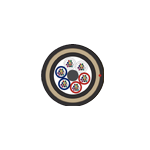
- Fiber Optic (AOC): Converts electricity to light. This is the gold standard for 20ft+ runs. It has zero signal loss and is immune to electromagnetic interference.
1. The Best Overall: Zeskit Maya 8K/120Hz (Certified)
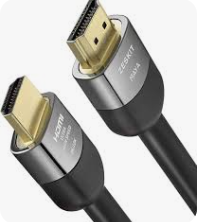
If you want a cable that just works without costing a fortune, the Zeskit Maya series is the community favorite for a reason.
It is one of the few long-run cables that carries the Official Ultra High Speed HDMI® Certification. This means it was actually tested in an HDMI Authorized Test Center (ATC) to ensure it hits 48Gbps.
- Why it wins: It uses high-quality 26AWG copper. While thick and a bit stiff, that thickness is what protects the signal at the 20ft mark.
- Best for: PS5, Xbox Series X, and high-end PC gaming where you need a direct, reliable link.
2. The “No-Fail” Choice: FiberCommand PureFiber UltraVision
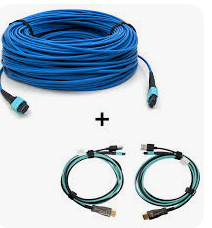
If your cable is going inside a wall or you simply never want to think about it again, you go Fiber Optic. The FiberCommand PureFiber is a beast.
Because it uses light (lasers) instead of electricity to move data, the 20ft distance is a walk in the park. In fact, these cables can go up to 330ft without losing a single frame.
- Pro Tip: These are directional. One end is labeled “Source” (Console/PC) and the other “Display” (TV/Projector). If you plug them in backward, you get no signal.
- Best for: In-wall installations and setups where the cable runs near power lines (which can cause interference in copper).
3. Best Value: Cable Matters Active HDMI 2.1 Cable
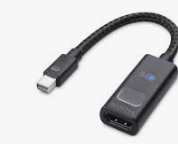
Cable Matters is the “reliable neighbor” of the tech world. Their 20ft active cable uses an internal chipset to amplify the signal. It’s thinner and more flexible than the Zeskit Maya, making it much easier to snake around tight corners or through media furniture.
- The Performance: I’ve used this to bridge a PC to a 4K OLED TV across a room. It handles G-Sync and 10-bit HDR at 120Hz without flickering.
- Best for: General home theater use where you need a bit of flexibility in the wire.
Comparison Table: Top 20ft HDMI 2.1 Picks
| Cable Name | Technology | Certification | Flexibility | Best Use Case |
| Zeskit Maya | Passive Copper | Ultra High Speed | Low (Thick) | Competitive Gaming |
| FiberCommand | Fiber Optic (AOC) | Proprietary/High End | High (Thin) | In-Wall / Long Runs |
| Cable Matters | Active Copper | Certified | Medium | Home Office / Media Room |
| Monoprice High Speed | Passive Copper | Certified | Low | Budget Reliable |
How to Verify Your Cable is Actually Supporting 4K 120Hz
Don’t just trust the box. Once you’ve plugged in your new 20ft cable, perform these three checks:
- Check the “Handshake”: Does the screen flicker when you first turn it on? Frequent black screens for 1–2 seconds indicate the cable is struggling to maintain the 48Gbps handshake.
- Verify via Console/PC: PS5: Go to Settings > Screen and Video > Video Output Information. It should say 3840 x 2160 – 120Hz.
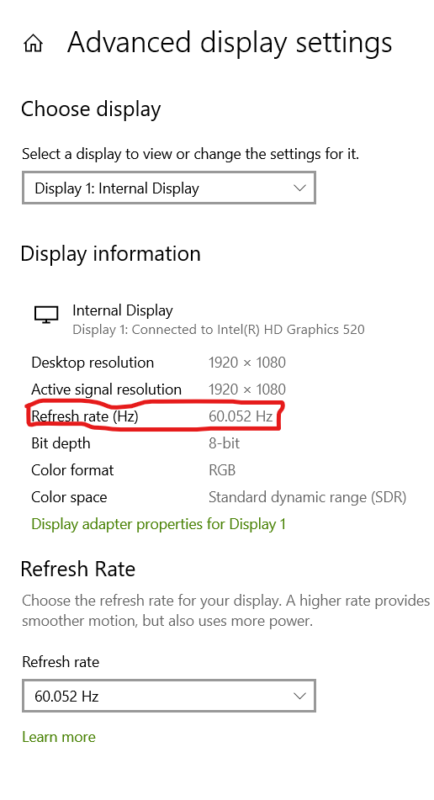
- Windows: Go to Display Settings > Advanced Display. Check the refresh rate dropdown
- The VRR Test: Turn on Variable Refresh Rate. Low-quality cables often fail only when VRR is active, causing horizontal lines or “snow” on the screen.
Common Misconceptions
As someone who has spent years in the AV industry , I see a lot of “Snake oil” in cable marketing.
- “Gold Plating improves speed”: Not really. Gold is great for preventing corrosion, but it doesn’t make the electrons move faster. A $100 gold-plated passive cable will still fail at 20 feet if the internal wire gauge is too thin.
- “HDMI 2.2 is coming”: Beware of listings claiming “HDMI 2.2” or “HDMI 3.0.” These don’t exist yet. Stick to Ultra High Speed (HDMI 2.1b).
- “Thinner is better”: For copper, thinner is usually worse for signal loss. If the cable is 20ft, copper, and very thin, it’s likely an active cable or it’s going to fail.
Final Verdict: Which should you buy?
If you are on a budget and don’t mind a thick cable, get the Zeskit Maya. It is the most “honest” copper cable on the market.
If you are running the cable through a wall or ceiling, do not risk copper. Buy the FiberCommand or a similar Fiber Optic (AOC) cable. It is more expensive upfront, but replacing a failed cable inside a wall costs five times more in labor and frustration.
