






DisplayPort 1.4 vs 2.1: Which cable is best for a 240Hz gaming monitor?

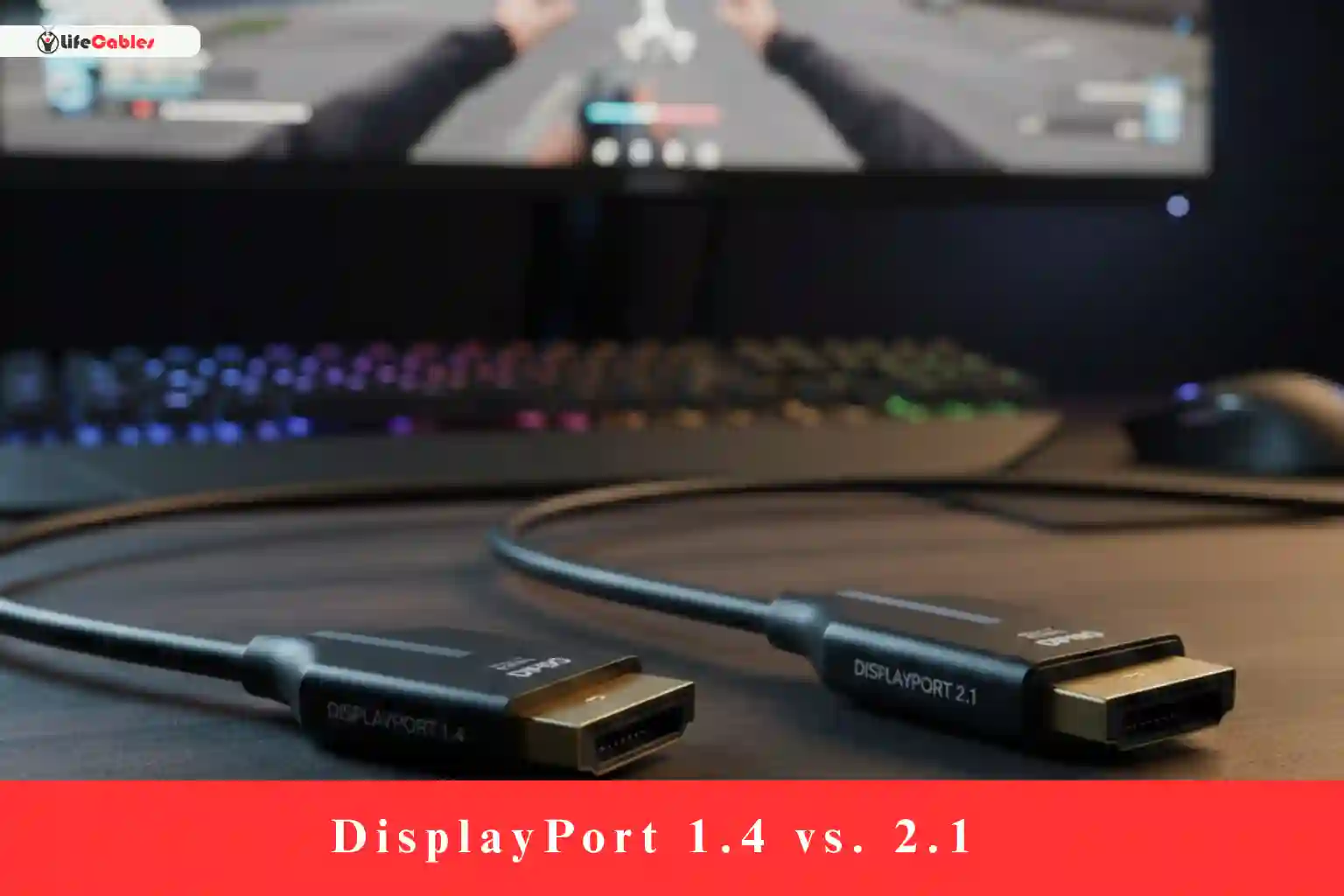
Choosing a new monitor is usually the fun part, but once you unbox that 240Hz beast, you’re met with the ultimate “boss battle”: the cable. You’ve likely heard that DisplayPort 1.4 is the industry standard, but DisplayPort 2.1 is the shiny new kid on the block.
So, which one do you actually need to hit that buttery-smooth 240Hz? As someone who has spent way too many hours troubleshooting flickering screens and “No Signal” messages, I can tell you the answer isn’t always “get the newest one.”
Let’s break down the DisplayPort 1.4 vs. 2.1 debate with a focus on real-world gaming performance, so you can spend less time cable shopping and more time in-game.
Lets go through the Guide – DisplayPort 1.4 vs 2.1
To understand why this choice matters, we have to look at the “pipe” size. Think of your GPU as a firehose and your monitor as a bucket. If the pipe (the cable) is too small, the water (the data) overflows or gets throttled.
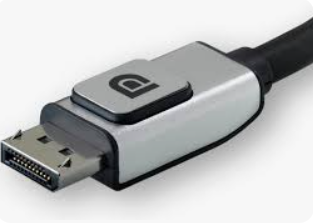
DisplayPort 1.4: The Reliable Workhorse
Released in 2016, DP 1.4 has been the backbone of high-end gaming for nearly a decade.
- Total Bandwidth: 32.4 Gbps.
- Effective Data Rate: 25.92 Gbps.
- The Secret Sauce: It uses Display Stream Compression (DSC 1.2a). This is a “visually lossless” compression that allows DP 1.4 to push much higher frames than its native bandwidth suggests.
DisplayPort 2.1: The Future-Proof Titan
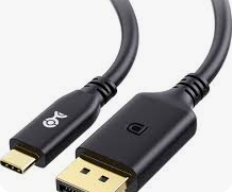
Standardized in late 2022 (and evolving into 2026), DP 2.1 is a massive leap forward.
- Total Bandwidth: Up to 80 Gbps (UHBR20).
- Effective Data Rate: Roughly 77.37 Gbps.
- Key Advantage: It can handle massive resolutions and refresh rates (like 4K @ 240Hz) without needing compression.
240Hz Gaming: The Resolution Reality Check
Whether you need DP 2.1 depends entirely on the resolution of your 240Hz monitor.
1. 1080p @ 240Hz
If you are an esports pro playing on a 1080p panel, DisplayPort 1.4 is more than enough. In fact, even the older DP 1.2 can technically handle this. There is zero performance gain from moving to DP 2.1 here.
2. 1440p (2K) @ 240Hz
This is currently the “sweet spot” for competitive gaming.
- DP 1.4: Can handle 1440p @ 240Hz easily, though it might use DSC (compression) depending on your color bit-depth (8-bit vs 10-bit).
- DP 2.1: Overkill, but it ensures a completely uncompressed signal.
- Verdict: Stick with 1.4 unless you’re buying a new cable anyway.
3. 4K @ 240Hz
This is where the debate gets spicy. Pushing 4K at 240Hz requires roughly 71 Gbps of bandwidth.
- DP 1.4: CAN do it, but it relies heavily on DSC. While VESA calls DSC “visually lossless,” some purists claim they notice slight artifacts or a tiny bit of input lag (though this is largely debated).
- DP 2.1: This is the native home for 4K 240Hz. It carries the full signal uncompressed.
- The Catch: Your GPU must also support DP 2.1. While AMD’s RX 7000/9000 series and NVIDIA’s latest RTX 50-series cards have it, older cards (like the RTX 30-series) are capped at DP 1.4.
The “DSC” Elephant in the Room
You’ll see the term DSC (Display Stream Compression) a lot. Some gamers fear it like the plague, fearing it adds lag.
In my experience—and according to most technical testing—DSC is incredible. It’s like a high-quality .zip file for your video. When your GPU sends the signal, it compresses it; your monitor then decompressess it instantly. For 99% of gamers, you will never see the difference. However, if you are a professional color grader or someone who must have a native signal for peace of mind, DP 2.1 is your only path to uncompressed 4K 240Hz.
Common Myths vs. Hard Truths
Myth: “A DP 2.1 cable will give me more FPS.”
Truth: Cables don’t generate frames; GPUs do. A cable only determines if those frames can actually reach your monitor. If your DP 1.4 cable is already hitting 240Hz, a DP 2.1 cable won’t add a single frame to your counter.
Myth: “I can just use any DP cable I found in my drawer.”
Truth: High-refresh gaming is extremely sensitive to cable quality. Using a cheap, non-certified cable often results in black screens, flickering, or the “link rate” being downgraded, leaving you stuck at 60Hz or 120Hz.
Which Cable Should You Buy?
To make this easy, I’ve created a quick-reference table for 2026 gaming standards:
| Monitor Resolution | Refresh Rate | Recommended Cable | Why? |
| 1080p | 240Hz | DP 1.4 | Totally sufficient; low cost. |
| 1440p | 240Hz | DP 1.4 | Standard for most GPUs; handles the load. |
| 4K | 144Hz | DP 1.4 | Reliable with DSC. |
| 4K | 240Hz | DP 2.1 | Future-proof; handles uncompressed 10-bit color. |
| Ultrawide (OLED) | 240Hz | DP 2.1 | Best for high-bandwidth HDR signals. |
Pro-Tips for Buying
If you’ve decided to upgrade, don’t just search for “DisplayPort 2.1” on Amazon and click the first result. Look for these three things:
- VESA Certification: This is the “Gold Seal.” If it’s VESA certified (look for DP40 or DP80 labels), it has been tested to actually hit the speeds it claims.
- Cable Length: For high-bandwidth signals like 4K 240Hz, keep the cable under 2 meters (6.6 feet). Longer cables often suffer from signal degradation unless they are “Active” (and much more expensive) cables.
- Check Your Ports: Remember, a DP 2.1 cable won’t give you DP 2.1 speeds if your GPU or your Monitor only has a DP 1.4 port. It will just “handshake” at the lower 1.4 speed.
The Bottom Line
If you are building a top-tier rig in 2026 with a 4K 240Hz OLED monitor, get a DisplayPort 2.1 (DP80) cable. It ensures you aren’t leaving any performance on the table and eliminates any worry about compression artifacts.
However, if you’re on a 1080p or 1440p setup, DisplayPort 1.4 is still the king of value. It’s cheaper, widely available, and more than capable of handling 240Hz for the vast majority of gaming monitors today.
Still seeing flickering at 240Hz? Check your NVIDIA/AMD control panel to ensure your “Output Color Depth” isn’t set too high for your cable’s bandwidth!
